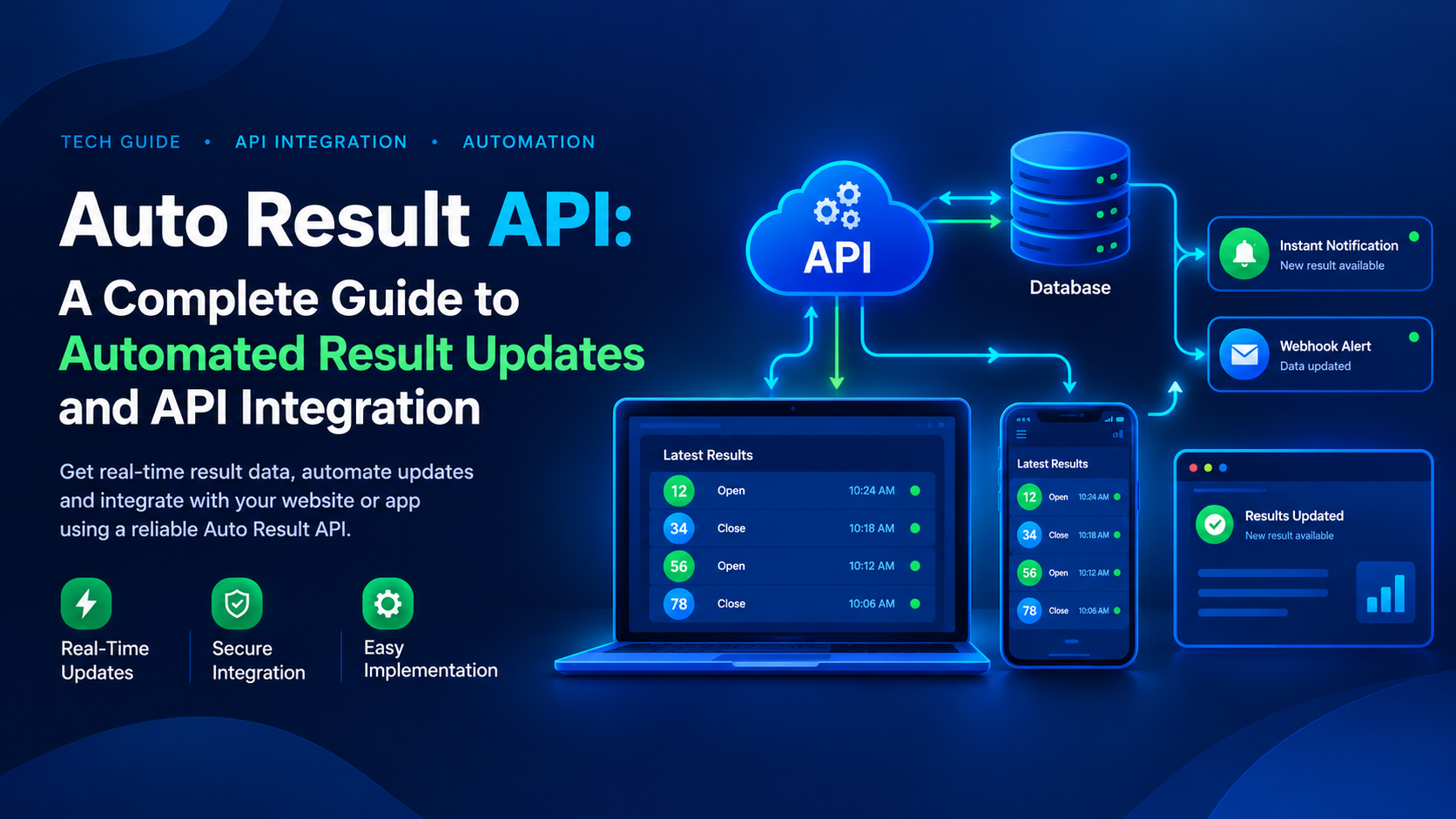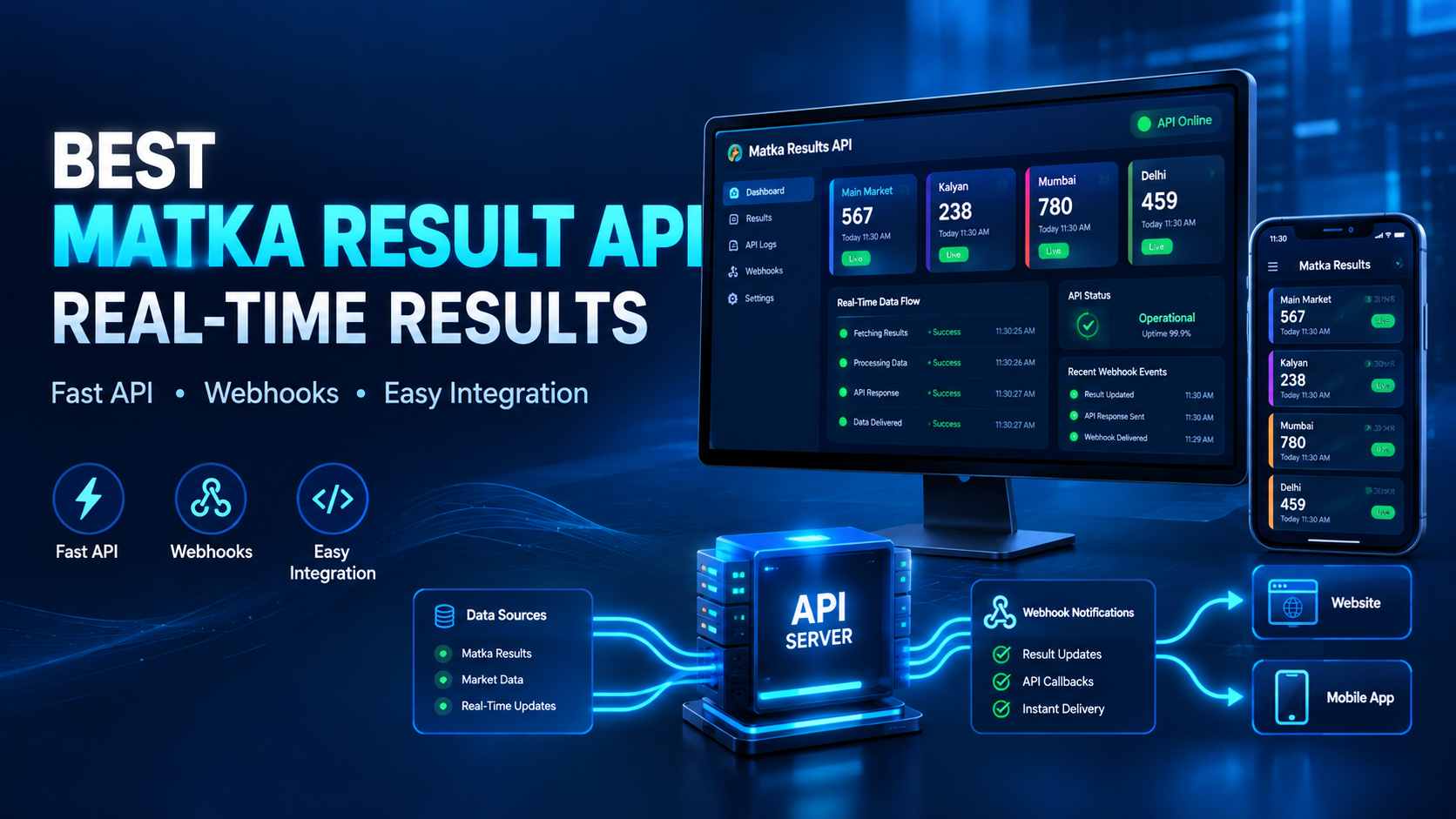
Auto Result API Matka – Real-Time Matka Result API
Get real-time Matka result data through an easy-to-integrate Auto Result API built for websites, mobile applications, developers, and businesses.
Instead of updating result data manually, connect your platform with our API and receive structured result information through supported API and webhook integrations.
REST API • Webhooks • Real-Time Updates • Website Integration • Mobile App Support
What Is an Auto Result API?
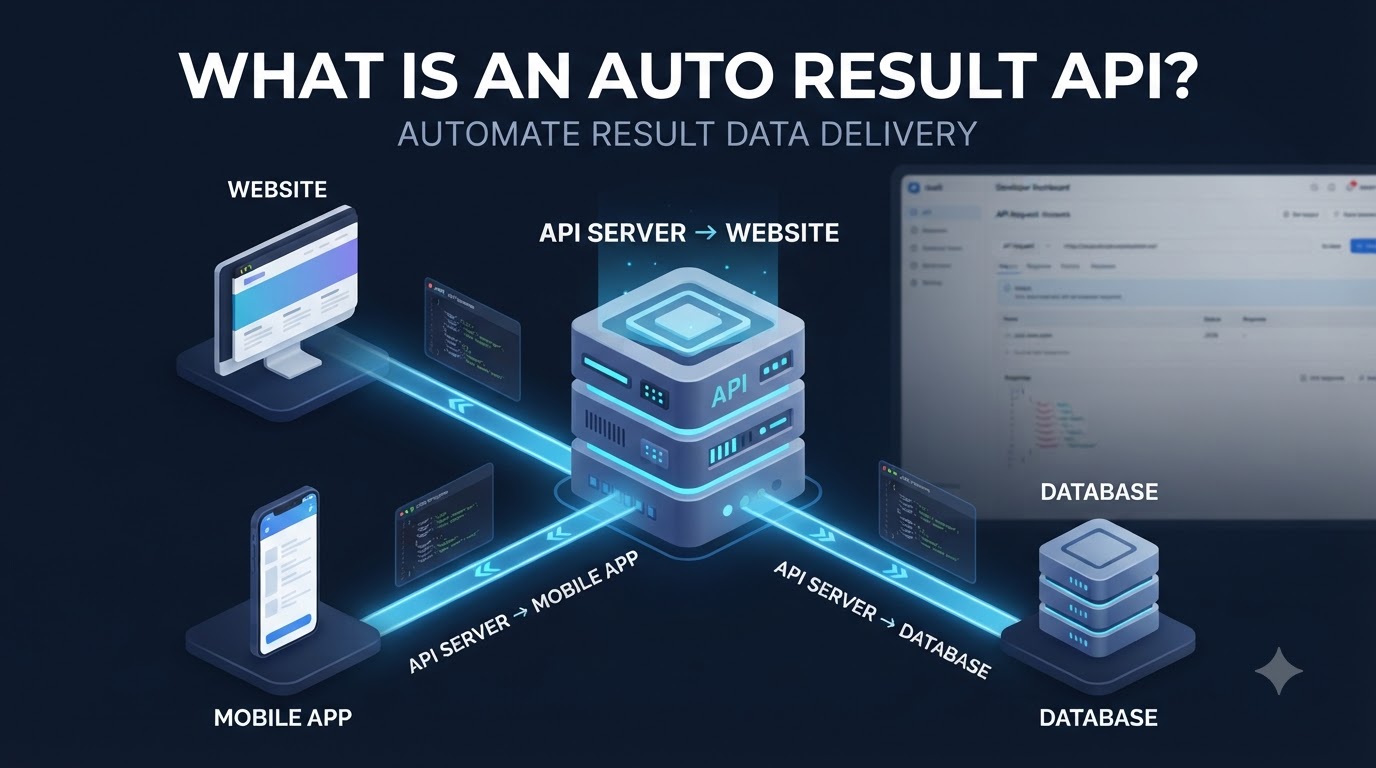
An Auto Result API is a technology interface that allows a website or application to receive result data automatically instead of relying on manual updates.
With an Auto Result API Matka integration, developers can connect their application to a result-data service and display available market information directly on their website or mobile application.
The API can be used to retrieve supported result information in a structured format, making it easier for developers to integrate result data into their existing applications.
Real-Time Matka Result API for Websites & Apps
Our Matka Result API is designed for developers and platform owners who need automated result-data integration.
You can connect the API with:
- Websites
- Web applications
- Mobile applications
- Custom dashboards
- Result display platforms
- Backend systems
The integration can be implemented using supported REST API endpoints and webhook callbacks.
How Auto Result API Works
The basic integration workflow is simple:
1. Register & Activate
Create an account and select the appropriate API plan.
2. Get API Access
Access the required API credentials and documentation.
3. Connect Your Application
Configure the API endpoints or webhook URL in your website or application.
4. Receive Result Data
Your application can receive supported result information through the configured integration.
5. Display Data Automatically
Your website or application can process the received data and display it according to your own interface.
API & Webhook Integration
Developers can use supported REST API endpoints to retrieve result information. Webhook integration can also be configured where supported, allowing result-related callbacks to be delivered to your application.
This approach can reduce repetitive manual data entry and provide a more structured way to manage result information.
Why Use an Auto Result API?
Manual data management can become difficult when a platform needs to maintain frequently changing result information.
An automated API-based workflow can help developers:
- Reduce repetitive manual updates
- Connect result data with existing software
- Build automated result-display workflows
- Integrate data into websites and applications
- Manage structured API responses
- Create custom result dashboards
Matka Result API for Developers
The API is designed for developers who need to integrate result data into their own software.
Depending on the available API functionality, developers can work with supported endpoints, request parameters, authentication methods and webhook configurations.
Before integration, developers should review the API documentation for the currently supported markets, response structure and integration requirements.
Supported Result Data
The platform currently provides result information for supported markets and categories. The website displays separate result data structures for Delhi-side and Maharashtra-side markets.
This makes it possible for developers to build interfaces that handle different result formats according to their application requirements.
Auto Result API Matka for Website Integration
If your website currently requires manual result updates, an API-based workflow can provide a more automated technical architecture.
A typical setup can look like:
API → Backend → Database → Website
Or, when webhook delivery is configured:
Result Update → Webhook → Backend → Database → Website
Developers can then decide how the received data should be stored, processed and displayed.
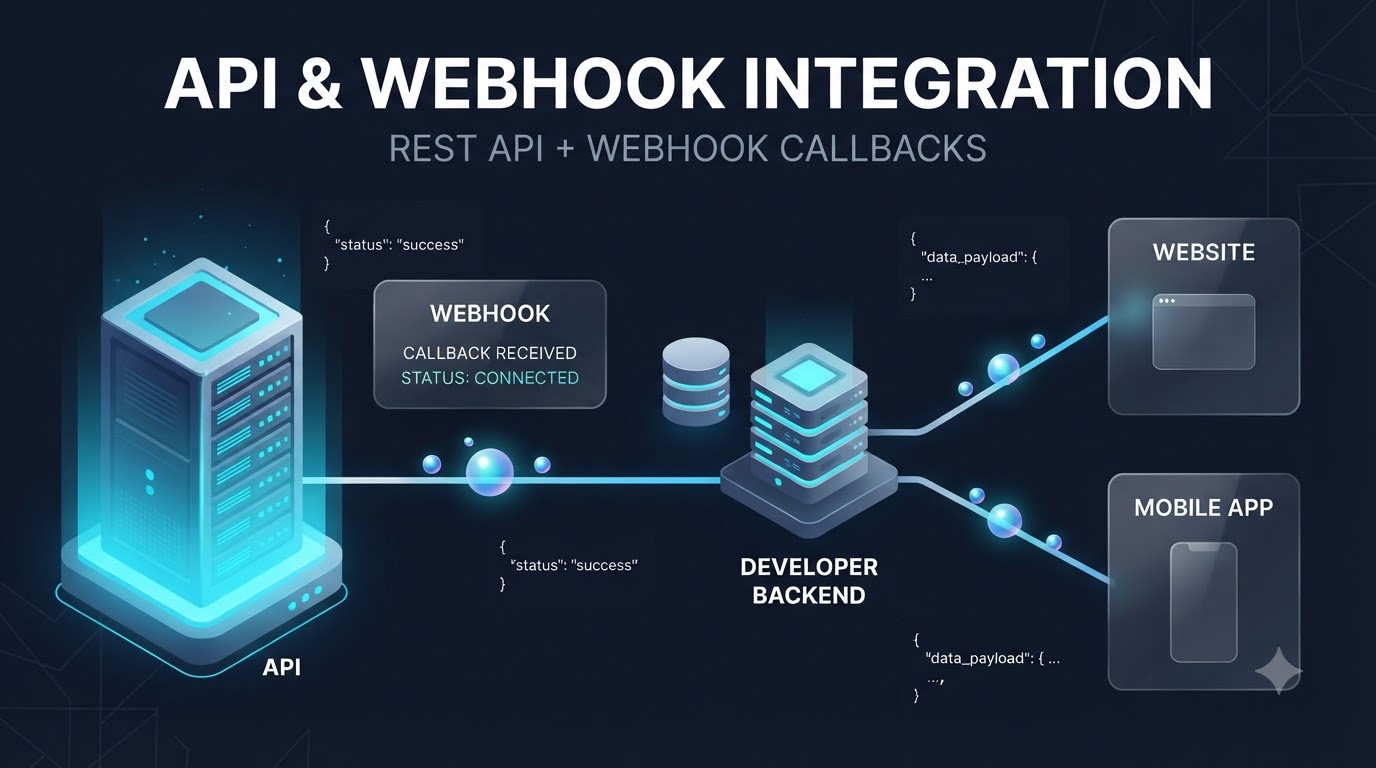
Mobile App Integration
The same API-based architecture can also be used as part of a mobile application backend.
Instead of placing sensitive API credentials directly inside a mobile application, developers can generally use a secure server-side architecture where the backend communicates with the API and the mobile application receives the required data from the business backend.
API Documentation & Integration
Good API documentation is an important part of any developer integration.
Before starting development, check:
- Authentication requirements
- API endpoints
- Request parameters
- Response format
- Webhook configuration
- Supported result categories
- Rate limits
- Error responses
- Integration requirements
This helps developers understand how the API should be connected with their existing technology stack.
Frequently Asked Questions
What is an Auto Result API Matka?
An Auto Result API Matka is an API-based technology service that allows applications to retrieve supported Matka result data automatically rather than entering it manually.
Can I integrate the Auto Result API with my website?
Yes. The API is designed for website and application integration using supported API endpoints and integration methods.
Can I use the API with a mobile application?
Yes. Developers can integrate the API into a mobile application's backend architecture according to the supported API documentation.
Does the API support webhooks?
Webhook functionality is available for supported integrations. Developers should check the current documentation for endpoint and callback requirements.
Do I need programming knowledge?
API integration normally requires development knowledge because the application needs to communicate with API endpoints and process the returned data.
Can I automate result updates?
An API-based architecture can automate the retrieval and delivery of supported result data, reducing the need for repetitive manual data entry.
Get Started With Auto Result API
If you are developing a website, mobile application or custom platform that requires automated result-data integration, review the API documentation and integration requirements before implementation.
Connect your application using the supported Auto Result API, REST endpoints and webhook functionality, and build your own result-data workflow around your existing technology stack.